Paperwise FAQ
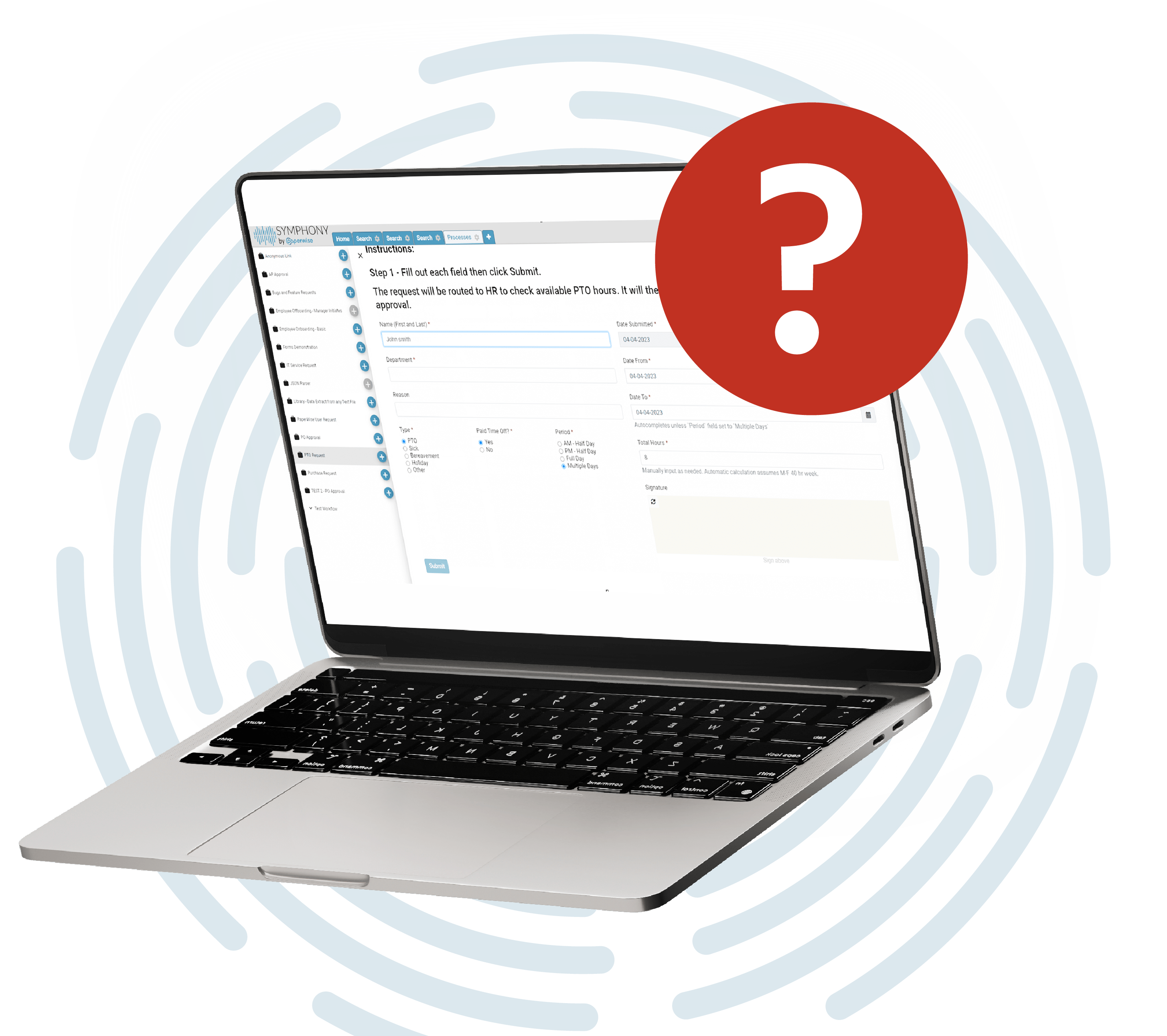
Need Assistance Or Have a Question?
Feel free to reach out! If you can’t find the information you’re looking for on this page, simply use the contact form on our contact page to get in touch.
Paperwise is a process automation platform built around Symphony, our document management and workflow automation software. Symphony helps businesses digitize paper based processes, automate manual workflows, and centralize access to important documents.
Symphony is our all in one platform that combines document management, intelligent capture, workflow automation, eSignature, and forms into a single system, rather than requiring separate tools for each function.
Pricing depends on your document volume, the modules you need, and how many users will access the system. Rather than publish generic pricing that may not reflect your actual needs, we recommend using our ROI calculator to estimate potential savings, then requesting a custom quote so we can scope the right solution for your business.
Implementation timelines vary based on complexity and document volume, but most customers are up and running well within a few months, with a dedicated team supporting you through setup, configuration, and training.
We work with businesses across transportation and logistics, healthcare, insurance, manufacturing, franchises, utilities, finance, HR, and accounts payable and receivable teams, among others.
Symphony is built as a single, all in one platform rather than a core system with paid add ons for capture, workflow, and integrations. That means fewer surprise costs and a more unified experience for your team. See our buyer’s guide for a full breakdown of what to look for when evaluating any vendor.
Intelligent capture uses OCR and machine learning to automatically read and extract data from documents like invoices, forms, and contracts, eliminating the need for manual data entry and reducing errors.
Yes. Symphony integrates with ERP and accounting systems including Business Central, Microsoft Dynamics GP, and transportation management systems like Trimble TruckMate, along with custom integrations built through our REST APIs.
Some of our solutions and applications are standalone. Others can be used independently but require either a Symphony tenant or a Paperwise DM database for storage and configuration.
Paperwise has an API and allows their customers to use it to develop customizations and integrations. To learn more, visit our Develop page.
Yes. Our team provides training and onboarding support as part of implementation to help your staff adopt the system quickly and confidently.
Intelligent capture uses machine learning which is a subset of artificial intelligence
Any department can use our solutions. Even if they do not need to process documents. All departments benefit from automating processes such as requests for time off, employee onboarding and offboarding, expense reporting, or any process that involves people and data.
Nearly every one of our customers uses one or more integrations. Common examples include:
- QuickBooks
- Microsoft Dynamics Great Plains
- Infor
- JD Edwards
- SAP
- Trimble TruckMate
- Trimble TMW Suite
- Eleos
- DAT Keypoint
Customers have access to our support team for questions, troubleshooting, and system updates. Support resources, including our FAQ and contact options, are available directly through your account.
We can store any electronic file. Files from your office suite, an email message, a PDF, an image, audio or video, any electronic file that you can create, move, copy and use on your computer.
Yes, you can use our mobile app for iOS and Android to take pictures of documents such as receipts and send them into Paperwise. There are many other pathways into Paperwise. Users can drag and drop files, send from Windows Explorer, send from Microsoft Office, print from Windows, automatically import from email inboxes, automatically import from folder and FTP locations, and of course scan with document scanners and MFP devices.
Paperwise Symphony can accept sign in tokens from your SAML 2 provider for a seamless login experience.
Yes. Symphony encrypts documents and sensitive data, and we maintain policies covering GDPR compliance, HIPAA business associate agreements, and data handling practices. Details are available in our privacy and security documentation.
Documents and processes are secured per cabinet, process, role, and user settings. Documents access can be secured all the way down to specific metadata values.
Security is very important to us and starts the moment you sign into our solutions. Symphony support multi-factor authentication. You can modify your login options to use 3rd party authentication tools such as Google Authenticator.
Documents and processes are secured per cabinet, process, role, and user settings. Documents access can be secured all the way down to specific metadata values.
Yes. Symphony is built to handle growing document volumes, additional users, and new departments or use cases without requiring a platform switch.
Documents and processes are secured per cabinet, process, role, and user settings. Documents access can be secured all the way down to specific metadata values.
Schedule a demo with our team, and we’ll walk through your current processes, answer your questions, and map out what implementation would look like for your business.